
 APK
APK
Limbo PC Emulator v5.1.0
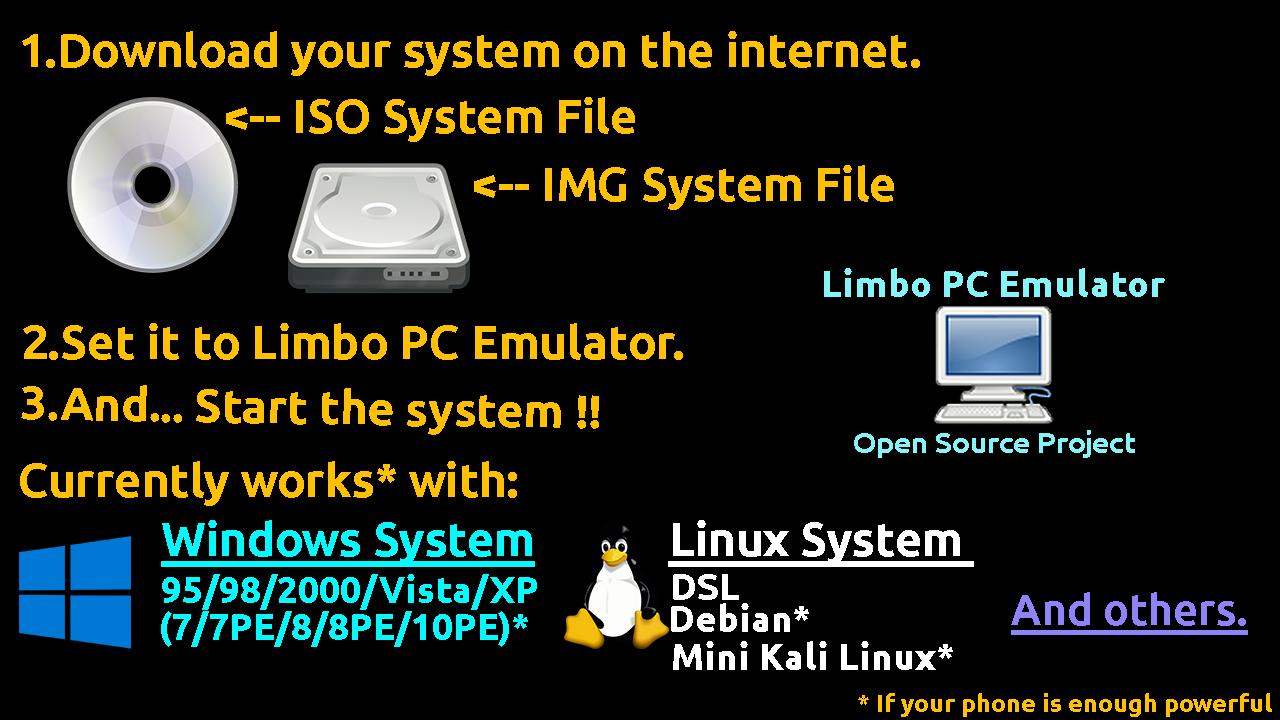
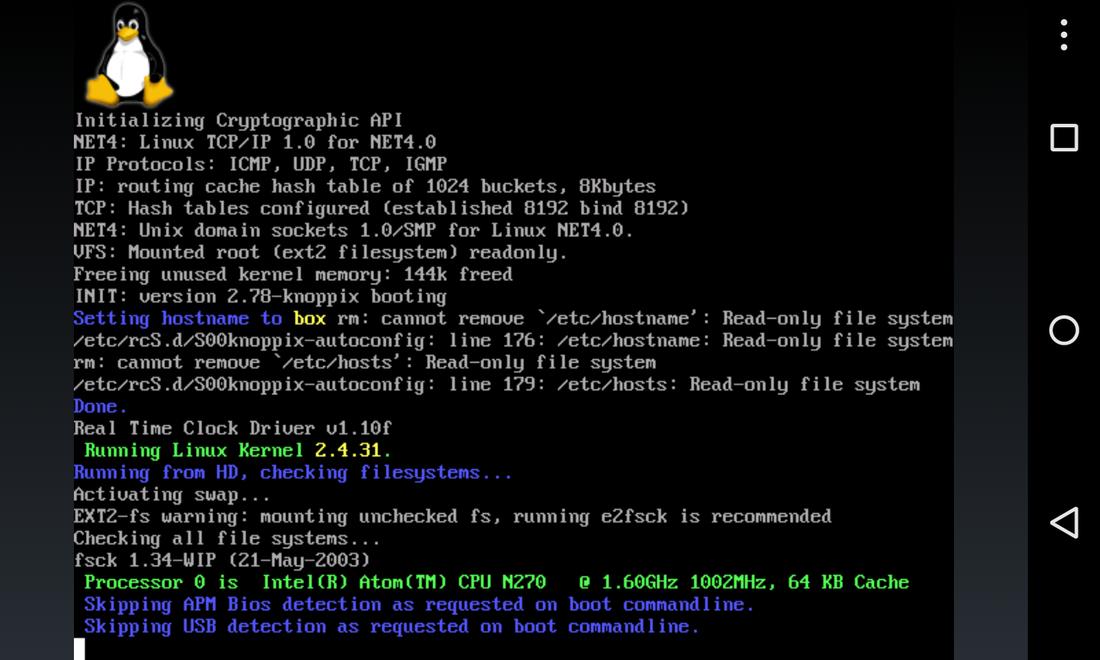
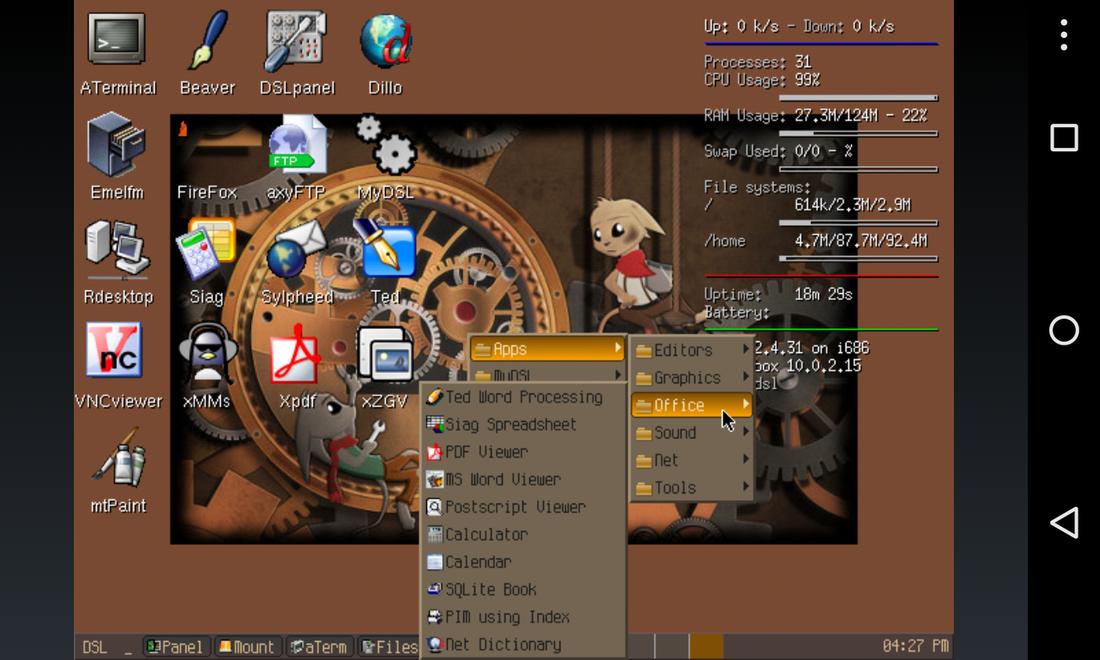
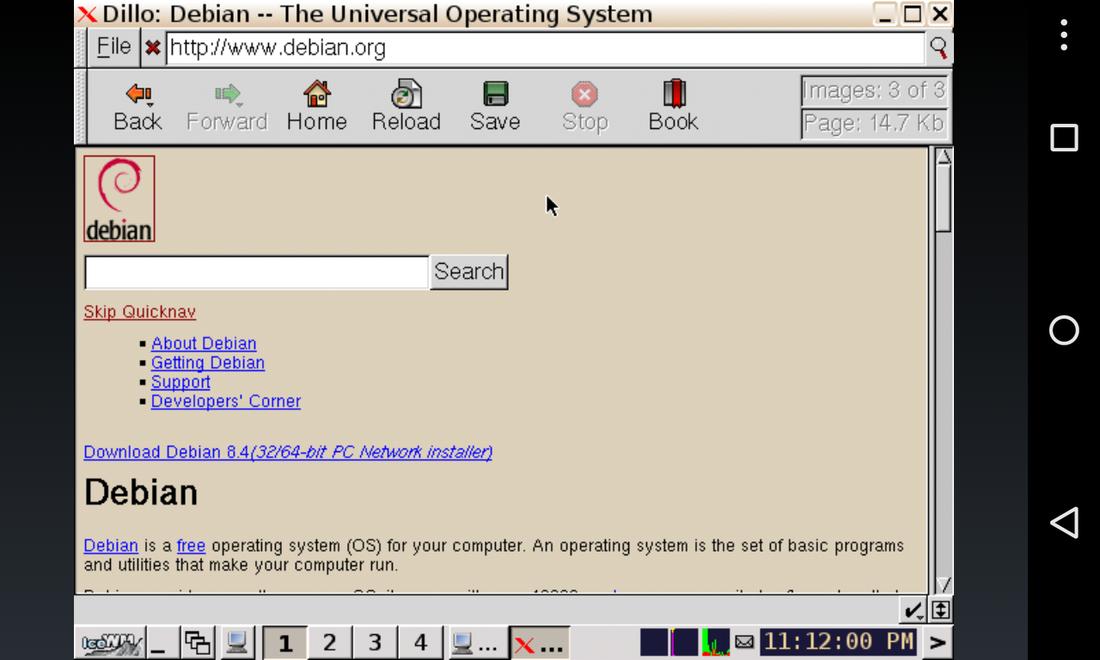
Limbo PC Emulator is a lightweight Android utility that runs full PC operating systems on your phone using the open-source QEMU engine. Boot Windows, Linux or other PC systems from ISO or IMG files, adjust CPU, RAM and display settings, and test software without a physical computer. It works offline once a system image is loaded, though full desktop systems run slowly on low-end phones.
Download options
No hosted APK file available
Official store link
Version
5.1.0
File Size
27 MB
Developer
Limbo PC Emulator DEV
Screenshots & Preview
Click any image to view in full screen
Frequently Asked Questions
Common inquiries regarding Limbo PC Emulator installation & verification
What is Limbo PC Emulator?
Limbo PC Emulator is an Android app that emulates a complete PC on your phone using the open-source QEMU engine, letting you run desktop operating systems on mobile.
Which operating systems can Limbo PC Emulator run?
It can run older Windows versions, Linux distributions and other PC-compatible systems, provided you supply your own ISO or IMG system image.
Who developed Limbo PC Emulator?
Limbo PC Emulator is an open-source QEMU-based project; the Android build is listed under Limbo PC Emulator DEV.
Does Limbo PC Emulator need the internet?
No. Once a system image is loaded, the emulator works offline, which makes it useful for testing and learning setups.
Can Limbo PC Emulator run modern Windows?
It is best suited to lightweight or older systems. Full modern desktop systems are resource-heavy and will run slowly on most phones.
What Android version does Limbo PC Emulator need?
The app requires Android 8.1 or higher.
What is the latest version and size of Limbo PC Emulator?
The latest version is 5.1.0 and the app is about 27 MB in size.
Similar & Recommended
Other popular downloads in this category






Limbo PC Emulator
Tools · 27 MB